
View and Add Balance
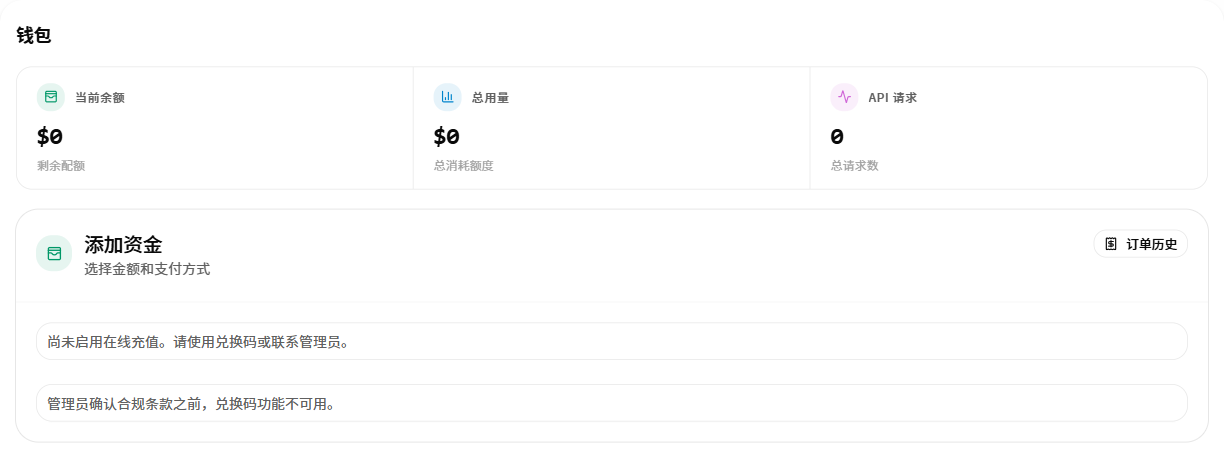
Open the wallet to view the current balance, total usage, and API request count.

Steps
- Check the current balance at the top of the page.
- Review the methods shown under “Add Funds”.
- If online recharge is unavailable, follow the page prompt to use a redemption code or contact the administrator.
- Refresh the wallet after adding funds and confirm that the balance changed.
Next
Continue to Create an API Key.